
Running a business is hard. You need good tools. Two popular tools are Square and QuickBooks. Both help with payment processing. But which one is best for you? Let’s find out.
What is Square?
Square is a payment tool. It helps businesses accept payments. You can use it in stores or online. Square also offers other tools. These include invoicing and inventory management.
What is QuickBooks?
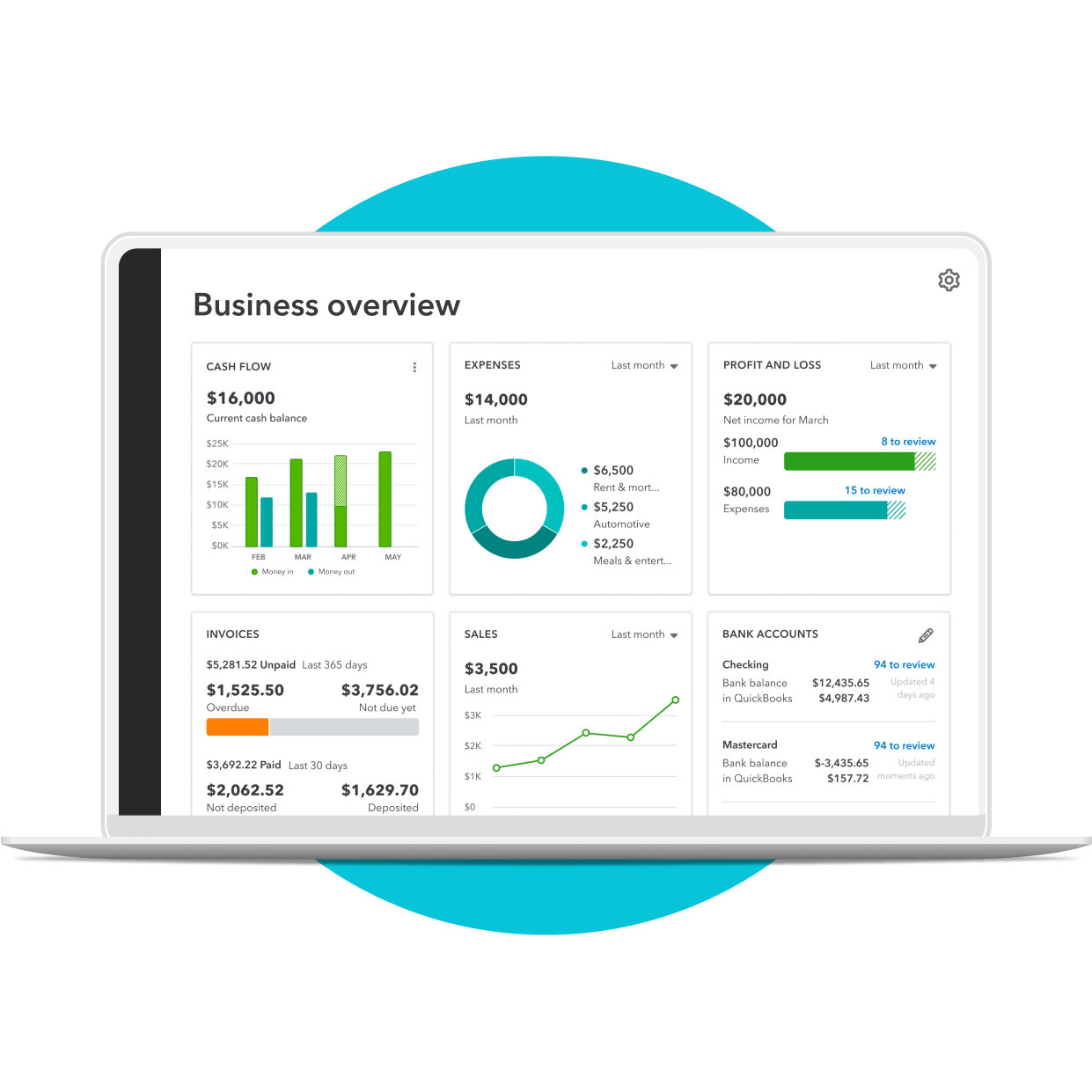
QuickBooks is more than a payment tool. It helps with accounting too. QuickBooks can track sales, expenses, and inventory. It is a full business management tool.
Ease of Use
Both Square and QuickBooks are easy to use. They have simple interfaces. Let’s compare them.
Square’s Ease Of Use
Square is very user-friendly. You can set it up quickly. The interface is clean. It is easy to navigate. Even beginners can use it easily.
Quickbooks’ Ease Of Use
QuickBooks is also user-friendly. But it has more features. This makes it a bit more complex. It may take longer to learn. However, many find it worth the effort.
Features
Both tools offer many features. But they focus on different areas. Let’s look at some key features.
Square’s Features
- Accept payments online or in-store
- Send invoices
- Track inventory
- Manage employees
- Integrate with other tools
Quickbooks’ Features
- Track sales and expenses
- Generate financial reports
- Manage payroll
- Send invoices
- Track inventory
Credit: quickbooks.intuit.com
Cost
Cost is a big factor for many businesses. Let’s compare the costs of Square and QuickBooks.
Square’s Cost
Square has no monthly fee. You only pay per transaction. This makes it affordable for small businesses. Here are the costs:
| Service | Cost |
|---|---|
| Card-present transactions | 2.6% + $0.10 per transaction |
| Card-not-present transactions | 3.5% + $0.15 per transaction |
| Invoicing | 2.9% + $0.30 per invoice |
Quickbooks’ Cost
QuickBooks has a monthly fee. This fee depends on the plan you choose. Here are some basic costs:
| Plan | Cost per Month |
|---|---|
| Simple Start | $25 |
| Essentials | $50 |
| Plus | $80 |
On top of the monthly fee, there are transaction fees. These are:
| Service | Cost |
|---|---|
| Card-present transactions | 2.4% + $0.25 per transaction |
| Card-not-present transactions | 3.4% + $0.25 per transaction |
Support
Good support is important. Let’s compare the support options for Square and QuickBooks.
Square’s Support
Square offers many support options. These include:
- Email support
- Phone support
- Online help center
Quickbooks’ Support
QuickBooks also offers many support options. These include:
- Email support
- Phone support
- Live chat
- Online help center
Integration
Both tools can integrate with other software. This makes them more powerful.
Square’s Integration
Square integrates with many tools. These include:
- Accounting software
- eCommerce platforms
- Marketing tools
Quickbooks’ Integration
QuickBooks also integrates with many tools. These include:
- Payment processors
- eCommerce platforms
- CRM software
Credit: cloudfriday.com
Which is Best for Your Business?
Both Square and QuickBooks are great. But which one is best for you? Here are some things to consider.
Choose Square If:
- You want a simple payment tool
- You need to set up quickly
- You prefer no monthly fees
Choose Quickbooks If:
- You need full business management
- You are willing to pay monthly fees
- You need advanced accounting features
Frequently Asked Questions
What Are Square And Quickbooks?
Square and QuickBooks are popular payment processing solutions. They help businesses manage transactions and finances.
Which Is More User-friendly: Square Or Quickbooks?
Square is known for its simple interface. QuickBooks has more features but can be complex.
Does Square Offer Invoicing Options?
Yes, Square provides easy-to-use invoicing. It allows businesses to send and manage invoices efficiently.
Can Quickbooks Integrate With Square?
Yes, QuickBooks can integrate with Square. This helps in managing sales and accounting in one place.
Conclusion
Both Square and QuickBooks have strengths. Square is simple and affordable. QuickBooks offers more features but costs more. Think about your needs. Choose the tool that fits best. Good luck with your business!
