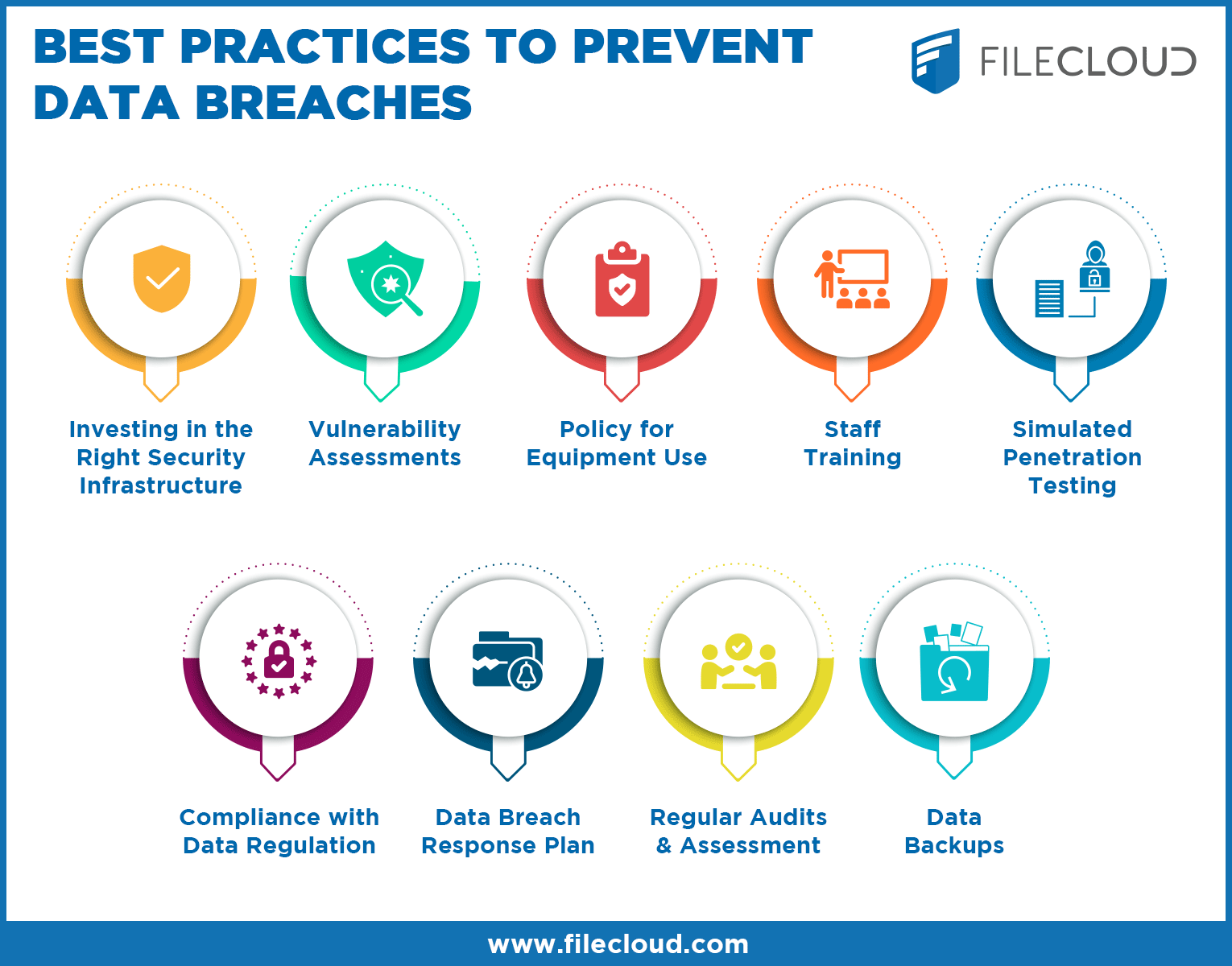
Data breaches can have severe consequences for businesses and individuals alike. Protecting your data is crucial in today’s digital age.
In a world where cyber threats are always evolving, safeguarding sensitive information has never been more important. Data breaches can lead to financial losses, damage to reputation, and legal issues. Ensuring that your website is secure is one of the first steps in preventing these breaches.
WP Force SSL is a powerful WordPress plugin that can help you achieve this. It guarantees that your SSL certificate is properly configured, addresses mixed-content warnings, and ensures you get the green lock in your browser’s address bar. The plugin offers real-time SSL monitoring, a content scanner, and a user-friendly dashboard, making it easier than ever to secure your site and protect your data.

Credit: nordlayer.com
Understanding Data Breaches
A data breach is a security incident where sensitive information is accessed without permission. It can involve personal data, financial details, or confidential business information. Breaches can cause serious harm to individuals and organizations. They often result in financial loss, reputational damage, and legal consequences. Protecting data is crucial to prevent breaches.
Many factors can lead to data breaches. Weak passwords are a common issue. Phishing attacks trick users into giving away information. Malware can infect systems and steal data. Insider threats involve employees misusing access. Unpatched software can have vulnerabilities. Physical theft of devices also poses risks. Each of these factors can compromise security.
Implementing Strong Access Controls
Strong user authentication is key to preventing unauthorized access. It ensures only the right people get in. Using multi-factor authentication (MFA) adds an extra layer of security. This can be a password and a code sent to your phone. Simple, yet very effective.
Role-Based Access Control (RBAC) limits access based on user roles. Each role gets specific permissions. For example, an admin can change settings, but a user cannot. This reduces the risk of data breaches. Everyone gets only what they need.
WP Force SSL ensures your site’s SSL certificate is set up correctly. It boosts security and SEO performance. The plugin fixes mixed-content warnings and helps you get the green lock in the browser address bar. It’s easy to use and very effective.
Encrypting Sensitive Data
Encrypting sensitive data is crucial to prevent data breaches. It ensures that even if data is accessed, it remains unreadable without the encryption key. This method keeps valuable information secure.
What Is Data Encryption?
Data encryption changes readable data into unreadable code. Only those with the key can read it. This helps keep sensitive data safe. It is used in banks, websites, and personal devices. Encryption is a key tool in data protection. Protecting data from hackers is crucial. It also ensures privacy for users.
Benefits Of Encryption In Data Security
Encryption provides several benefits. First, it keeps data safe from hackers. Second, it ensures data privacy. Even if data is stolen, it stays unreadable without the key. Third, it helps businesses comply with regulations. Laws often require encryption for sensitive data. Fourth, it builds trust with customers. They feel safe knowing their data is protected. Finally, encryption helps avoid fines and penalties for data breaches.
Regularly Updating Software And Systems
Regularly updating software and systems helps prevent data breaches. It ensures protection against the latest security threats. Stay safe by keeping everything up to date.
The Need For Software Updates
Keeping software up-to-date is essential. Outdated software often has security vulnerabilities. These gaps can be exploited by hackers. Regular updates patch these vulnerabilities. This process ensures your systems stay secure. Most updates also improve performance and add new features.
Automating Updates For Consistency
Manual updates can be time-consuming. Automating the process saves time and ensures consistency. Tools are available to handle this automatically. Using such tools minimizes human error. Consistency in updates reduces the risk of breaches.
Conducting Regular Security Audits
Regular security audits help find and fix vulnerabilities. They protect your data from breaches. They also ensure compliance with regulations. Audits help improve overall security. They provide a clear view of your system’s weaknesses.
Follow these steps for a thorough audit:
- Identify all assets and data.
- Check access controls and permissions.
- Review security policies and procedures.
- Scan for vulnerabilities and threats.
- Analyze network and system logs.
- Test incident response plans.
- Document findings and recommend improvements.

Credit: www.endpointprotector.com
Training Employees On Data Security
Training employees on data security helps prevent data breaches. Employees learn to recognize and avoid potential threats. This keeps company information safe.
Importance Of Employee Training
Training employees is critical for data security. Human error is a common cause of data breaches. Well-trained staff can identify threats and respond quickly. Regular training keeps everyone updated on the latest threats. This reduces the risk of a breach.
Investing in training saves money in the long run. It protects sensitive data and maintains customer trust. A single breach can cost a business a lot.
Key Topics For Data Security Training Programs
- Phishing Scams: Recognize and avoid suspicious emails.
- Password Security: Use strong, unique passwords.
- Data Handling: Properly manage and store sensitive information.
- Device Security: Secure personal and company devices.
- Incident Reporting: Know how to report security issues.
WP Force SSL ensures your website’s SSL certificate is properly configured. This enhances security and SEO performance. It addresses mixed-content warnings and helps you achieve the green lock in the browser address bar.
| Feature | Description |
|---|---|
| Real-time SSL Monitoring | Continuously checks your SSL status. |
| Content Scanner | Detects and resolves mixed-content issues. |
| Dashboard | Centralized management for purchases, sites, licenses, and SSL monitors. |
| White-label Mode | Allows for rebranding the plugin. |
| Rebranding | Customize the plugin appearance to match your brand. |
Benefits:
- Quickly fixes SSL issues without manual intervention.
- Ensures SSL compliance, boosting SEO rankings.
- Prevents mixed-content warnings and secures your site.
- Simple installation and user-friendly interface.
Pricing Details:
| Plan | Price | Features |
|---|---|---|
| Personal Lifetime | $59 (discounted from $109) | 1 site license, lifetime updates and support, all current and future plugin features |
| Team Lifetime | $89 (discounted from $169) | 5 sites license, lifetime updates and support, all current and future plugin features |
| Agency Lifetime | $119 (discounted from $299) | 100 sites license, lifetime updates and support, all current and future plugin features |
Refund or Return Policies:
100% No-Risk Money Back Guarantee. Full refund within 7 days if unsatisfied, no questions asked. Extended to 15 days during the presale period after final version delivery.
Additional Information:
Support is included with every PRO license. License management is handled via the WP Force SSL Dashboard. The plugin does not slow down your site or make permanent changes without confirmation. SSL certificate generation is automatic from Let’s Encrypt.
Reviews:
Over 200,000 happy users with positive feedback for ease of use and effectiveness. User testimonials highlight quick resolution of SSL issues and seamless installation.
FAQ Highlights:
- Performance Impact: No impact on site performance.
- License Transfer: Licenses can be moved between sites.
- Support and Updates: Available with every PRO license.
About the Author:
WebFactory Ltd specializes in creating premium WordPress plugins. They have maintained dozens of plugins for over a decade, trusted by over a million customers globally.

Credit: www.uscybersecurity.net
Frequently Asked Questions
How Can Data Breaches Be Prevented?
Data breaches can be prevented by using strong passwords, enabling two-factor authentication, regularly updating software, encrypting sensitive data, and educating employees on cybersecurity best practices.
How To Reduce The Risk Of A Data Breach?
Implement strong passwords, enable multi-factor authentication, regularly update software, train employees on security protocols, and conduct regular security audits.
How Can You Protect Yourself From A Data Breach?
Protect yourself from a data breach by using strong passwords, enabling two-factor authentication, keeping software updated, avoiding suspicious links, and regularly monitoring accounts for unusual activity.
What Are The 4 Common Causes Of Data Breaches?
The 4 common causes of data breaches are weak passwords, phishing attacks, malware, and insider threats.
Conclusion
Securing your website is crucial in today’s digital age. WP Force SSL offers an effective solution. It ensures your SSL certificate is properly configured. This boosts your site’s security and SEO performance. The plugin is easy to use and saves time by fixing SSL issues quickly. Enhancing security prevents mixed-content warnings, providing a seamless user experience. Invest in WP Force SSL for peace of mind and a more secure site. For more details, visit WP Force SSL.
